Blender
Programme
- What is Blender?
- Open Source
- Where to learn?
- Behind the scenes
- Workflow
- Modularity
- Preferences
- Keyboard shortcuts
- Workspaces
- Interface
- Objects
- Meshes
- Materials
- Collections
- Asset Browser
- Modes
- Properties
- Outliner
- 3D View
- Rendering
- Compositing
- Geometry Nodes
- Add-ons
- A workflow for quick visualisations
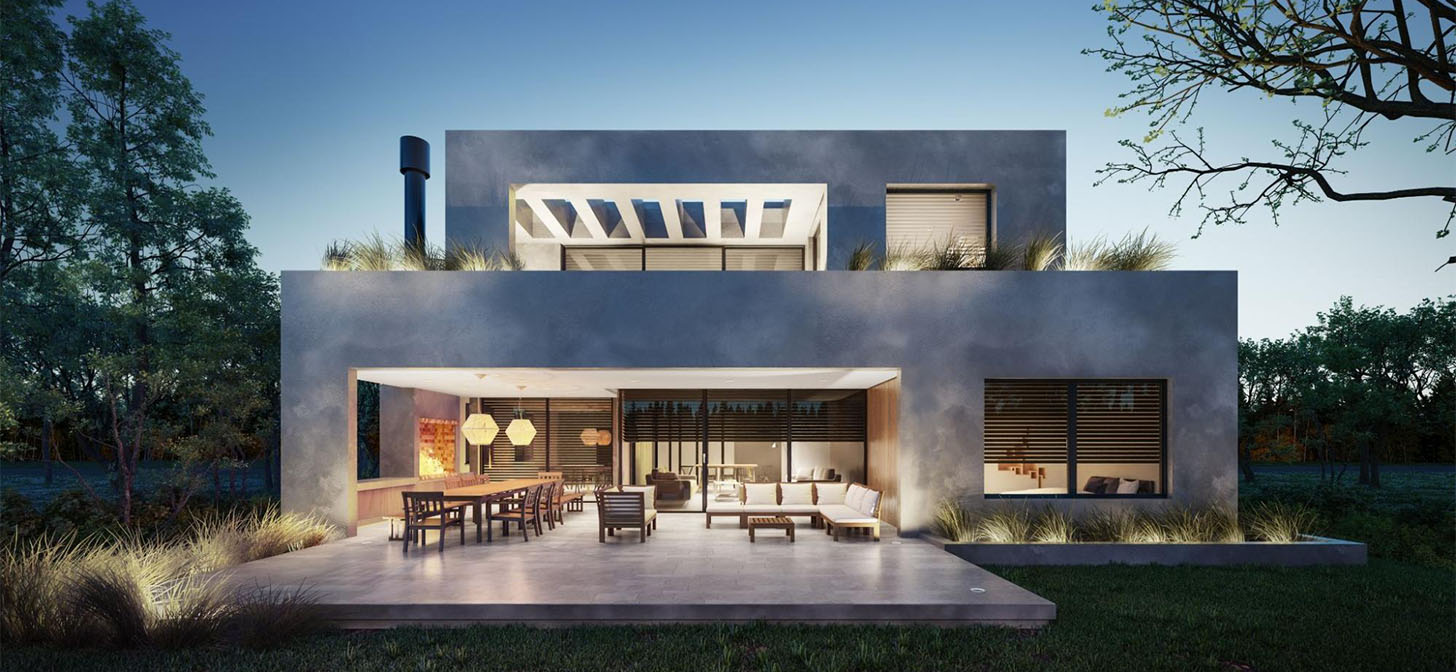
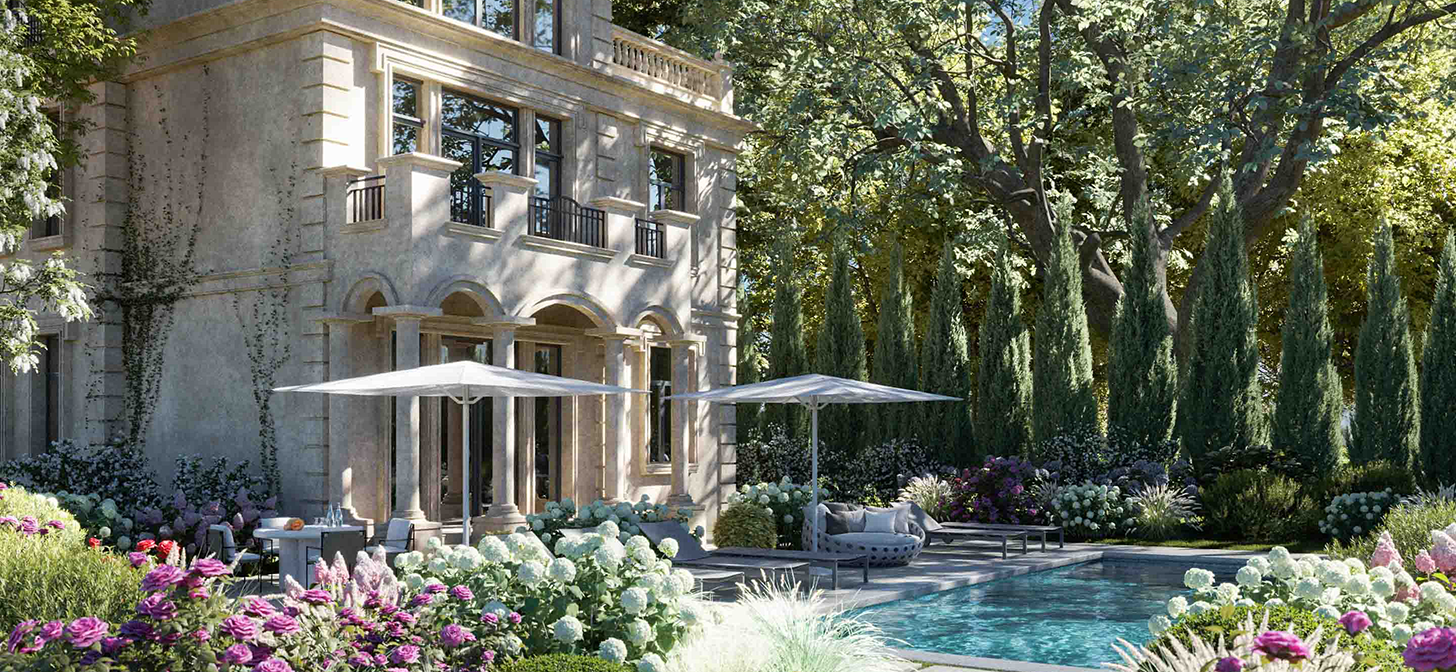
If you want good renders, you have to pay attention to details
-- Henryk Sienkiewicz
What is Blender?
Open Source
Where to learn?
- https://www.blender.org/
- https://www.blendernation.com/ - a daily dose of Blender news
- YouTube - the official channel
- https://blenderartists.org/ - a forum, the largest body of knowledge:
- Blender Guru:
- https://www.creativeshrimp.com/tutorials - a great guy who works wonders; he simply has talent.
Behind the scenes




Modularity
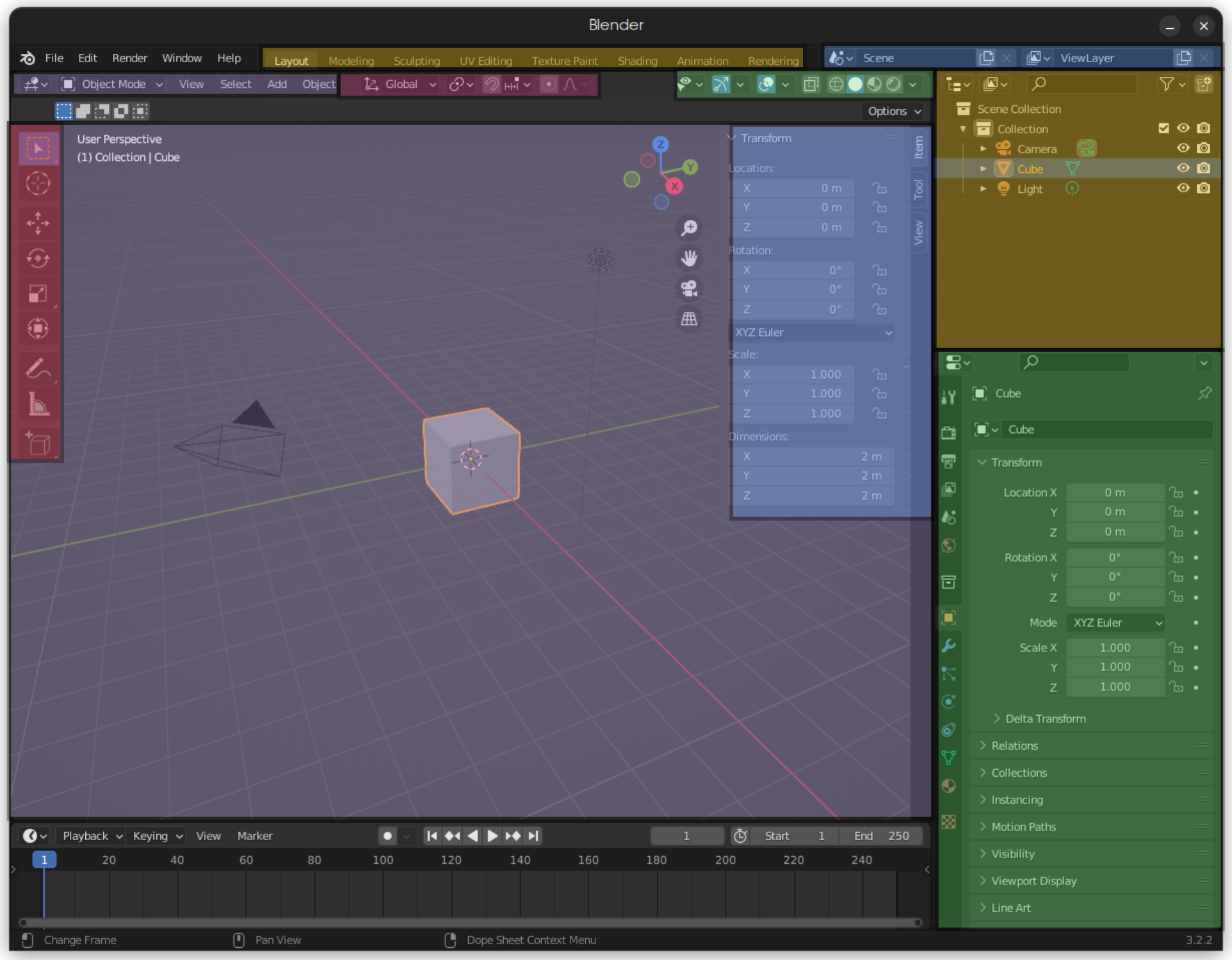
Preferences
Keyboard shortcuts
- T
- N
- Q
- SPACE
- RIGHT_MOUSE_BUTTON
Workspaces
- Layout
- Modeling
- Sculpting
- UV Editing
- Texture Painting
- Shading
- Animation
- Rendering
- Compositing
- Geometry Nodes
- Scripting
Interface
- Outliner
- properties
- 3d view
- N Tab
- T Tab
Objects
the origin vs. editing the mesh
Meshes
Materials
- Principled BSDF
- Node Editor
Collections
Asset Browser
Modes
- Object
- Edit
- Sculpt
- Vertex Paint
- Weight Paint
- Texture Paint
Properties
- Render Properties
- Output Properties
- View Layer Properties
- Scene Properties
- World Properties
- Object Properties (Viewport Display)
- Modifiers
- Particles
- Physics
- Constraints
- Object Data Properties (Mesh)
- Material Properties
- Texture Properties
Outliner
- View Layer
- Blender File
- Orphan Data
- Collections
- Object relations
3D View
- Viewport Shading
- Viewport – which settings to use?
Rendering
- Eevee
- Cycles
Compositing
Geometry Nodes
Add-ons bundled with Blender
- Export Paper Model - unfold a simple (even textured) model into 2D and print it to fold together
- Import AutoCAD DXF Format
- Import Images as Planes - easily add images in 3D, many at once.
- Copy Attributes Menu
- Modifier Tools
- Sun Position - the real sun angle and sun animation
- Material Utilities - SHIFT+Q - a great tool for swapping materials
- Bsurfaces GPL Edition - a modelling tool
- F2 - a modelling tool
- LoopTools - a modelling tool
- tinyCad Mesh tools - great when you want to extend a line, join corners or find an intersection
- Node Arrange - helps when working with nodes
- Node Presets - helps when working with nodes
- Node Wrangler - helps when working with nodes
- Align Tools - align elements in 3D
- Bool Tool - cut objects with objects
- Carver - carve with a "knife"
- Edit Linked Library - easily open linked files
- Freestyle SVG Exporter - if you generate lines in your render, you can export them as vectors
Add-ons worth installing
- BlenderBIM - an all-in-one for BIM data, from 3D to schedules, cost estimates and 2D documentation.
- BlenderGIS - an all-in-one for geolocation and data import.
- Modular Tree - free generation of amazing trees!
- PRJ - a simple generator of drawings from a 3D model (not tested)
- CAD Transform - move objects the way you do in Revit Tutorial video
- CAD Sketcher - very CAD-like solid modelling with constraints.
Paid add-ons
Assets
- Poly Haven + ADDON my first choice, everything under CC0! It lives on donations; I recommend buying the add-on to support them
- BlendSwap - 3D models, around for a long time
- BlenderKit + ADDON - models, textures, HDRIs
- Sketchfab + ADDON - 3D models
- Quixel Megascans - free only for Unreal Engine; high-quality scans and textures for $19/month. In one month you can download 45 materials or 22 3D models: decide what you need, test for free, then subscribe for one month.
- textures.com - paid, but worth considering: high-quality textures and 3D scans
- https://ambientcg.com/
A workflow for quick visualisations
Revit → IFC → BlenderBIM → BlenderGIS → Materials → Details